
As a UX/UI Designer, your resume is the first test of your design skills. The layout, typography, whitespace, and visual hierarchy of your CV represent your true capabilities before a hiring manager even clicks the link to your digital portfolio.
Top product design resumes combine aesthetic brilliance with business context. Don't just say you redesigned a dashboard. Quantify it: 'Spearheaded the UX redesign of the enterprise dashboard, increasing daily active user (DAU) retention by 35% through enhanced usability flows.'
Use a creative, modern resume template to showcase your specific aesthetic flair, but ensure the structure remains easily scannable for recruiters who review hundreds of portfolios. Always include hyperlinked URLs to your Dribbble, Behance, or personal portfolio website directly in the contact header.
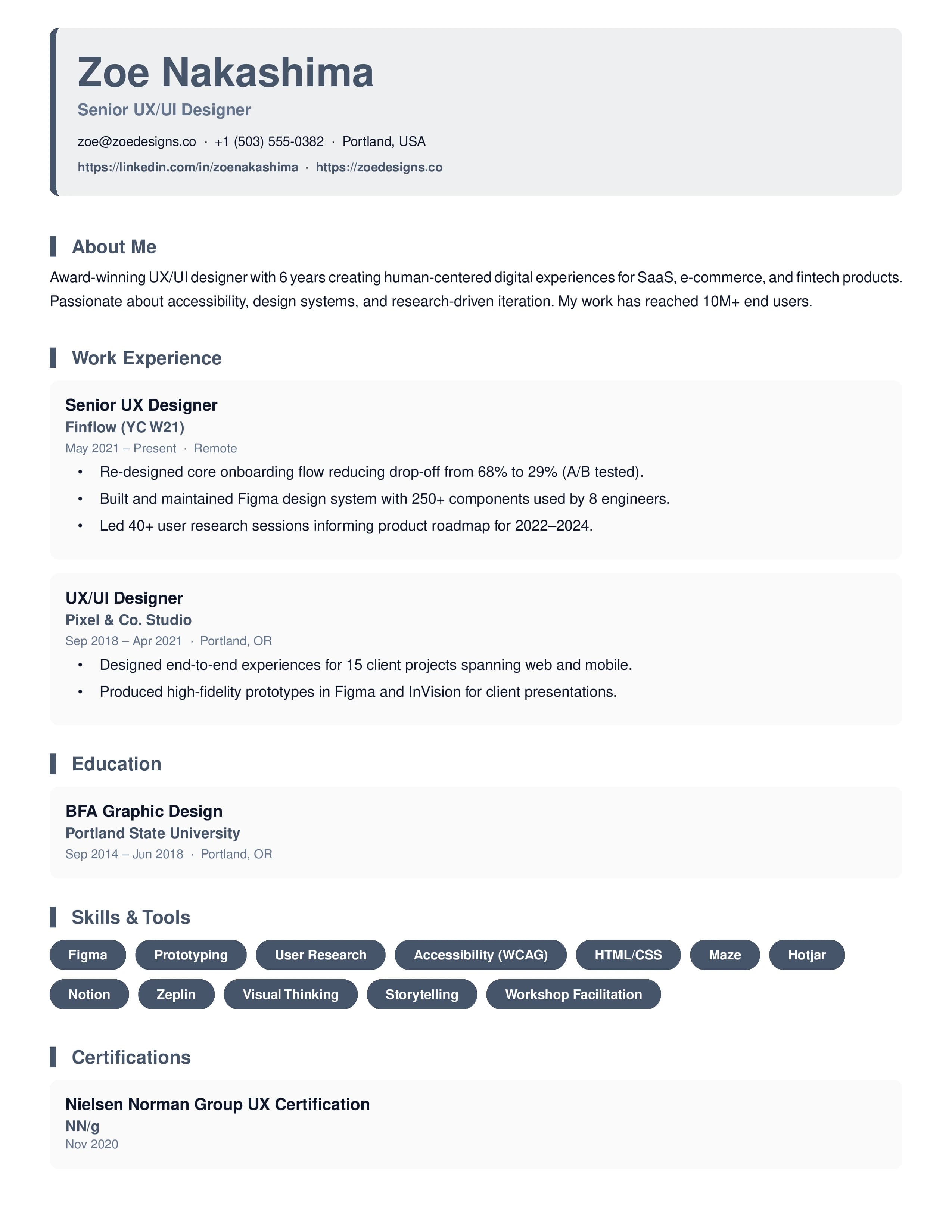
Your portfolio link is more important than any single resume line — ensure it's prominent, working, and showcases end-to-end case studies with measurable outcomes.
Describe your design process, not just the output: mention discovery workshops, user interviews, iterations, and how you validated decisions.
Include usability metrics: task completion rates, error reduction, or conversion improvements demonstrate ROI of your design decisions.
Hiring managers value system-level thinking — mention any design system, component library, or brand guideline you owned or contributed to.
Sample professional summary — adapt this to your own experience
“Senior UX/UI Designer with 6+ years crafting intuitive digital experiences for SaaS platforms and consumer mobile applications. Led end-to-end product design for a fintech app used by 800K+ users, improving onboarding completion by 41%. Proficient in Figma, design systems architecture, and cross-functional collaboration with engineering and product leadership.”
Pro tip: Replace the specifics with your own numbers, technologies, and company names. Keep it to 2–3 sentences and place it at the very top of your resume, immediately below your contact information.
Every strong UX/UI Designer CV includes these sections, structured in this order to maximise ATS parsing and recruiter readability:
Applicant Tracking Systems (ATS) scan your resume for specific keywords. Include these hard and soft skills if they match your experience — and mirror the exact terminology from each job description you apply to.
Pro tip: Copy the exact phrasing of skills from the job description into your resume. ATS systems often match on exact strings — “Project Management” and “project mgmt” may score differently.
Follow this proven structure to build a resume that passes ATS screening and impresses hiring managers in Design.
Open with 2–3 sentences that highlight your years of experience as a UX/UI Designer, your specialisations, and your single most impressive measurable achievement. Avoid generic phrases like "results-oriented professional" — be specific.
List your hard and soft skills relevant to UX/UI Designer roles. Mirror keywords directly from the job descriptions you are applying to. Include tools, platforms, and frameworks by their full names.
Use the CAR formula: Challenge → Action → Result. Replace task descriptions with outcomes — metrics, percentages, revenue figures, or time saved. Every bullet should answer "so what?"
Include your highest relevant qualification and any industry certifications valued in Design hiring. List in reverse-chronological order. Include GPA only if it is 3.5+ and you are early in your career.
Select a layout that matches the visual expectations of Design recruiters. Use our recommended templates below and export to PDF for consistent, pixel-perfect rendering across all ATS platforms.
While the featured design above is our top pick, these alternative ATS-friendly layouts also perform exceptionally well for UX/UI Designer applications.
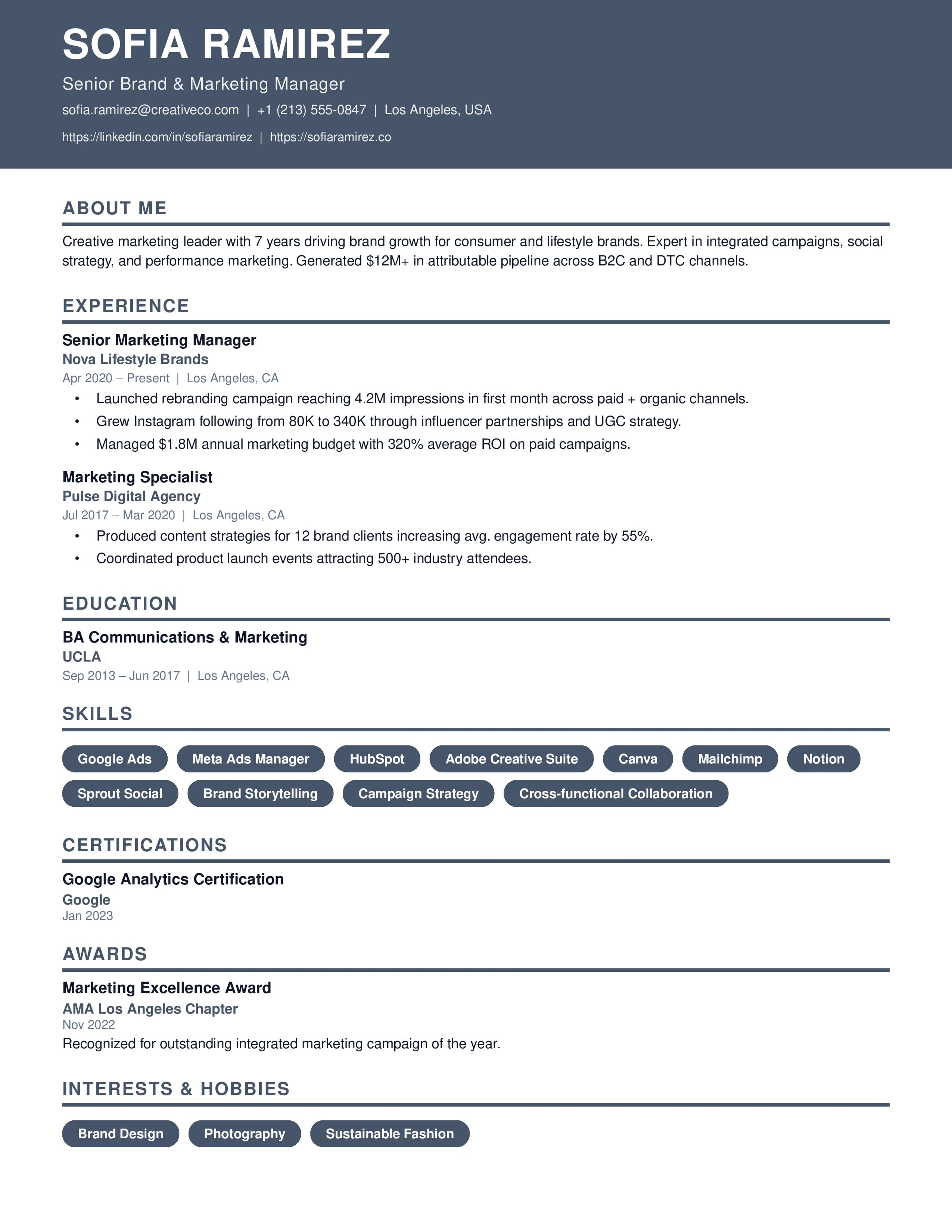
ATS-optimised for UX/UI Designer roles.
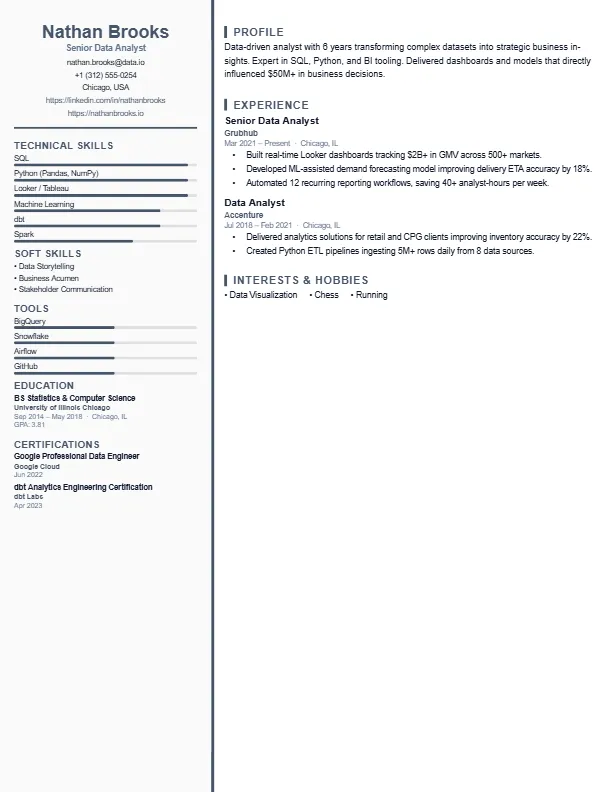
ATS-optimised for UX/UI Designer roles.
Join thousands of professionals who have landed their dream roles using our ATS-optimised builder and premium templates — completely free.
Create Free Resume / CV